Pistachio Cream Color Palette
A pistachio cream color palette — linen, pistachio shell, wasabi green, and forest pistachio. Hex codes for 2026 wellness, food, and fresh brand design.
A pistachio cream color palette captures Cream Linen, Pistachio Shell, Pistachio, and 3 more coordinated tones — ready-to-copy hex codes for web design, branding, UI themes, and creative projects.
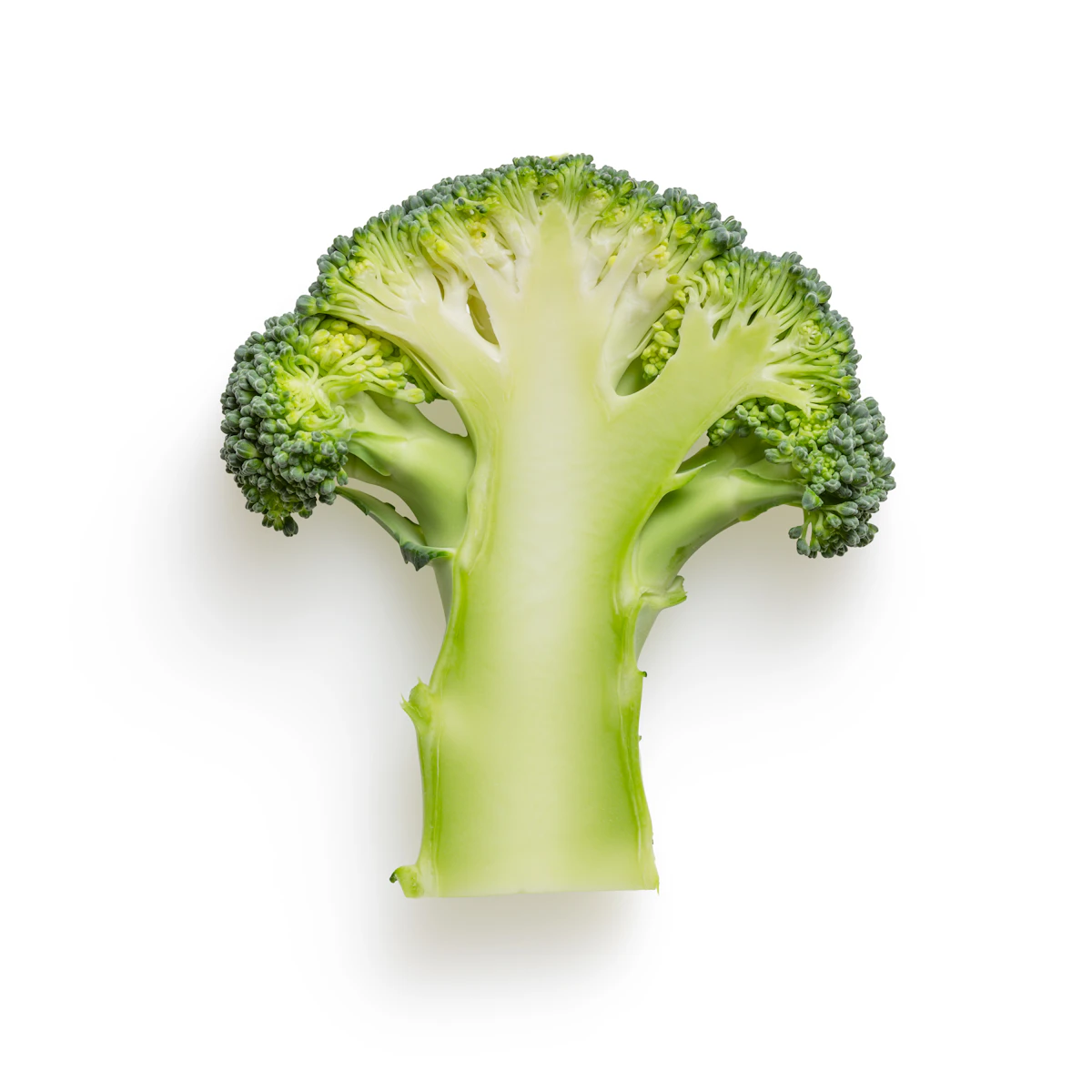
- Cream Linen#F7F4E8rgb(247, 244, 232)hsl(48, 48%, 94%)
- Pistachio Shell#DDE5C4rgb(221, 229, 196)hsl(75, 39%, 83%)
- Pistachio#B5C99Argb(181, 201, 154)hsl(86, 30%, 70%)
- Soft Wasabi#7D9A5Ergb(125, 154, 94)hsl(89, 24%, 49%)
- Olive Pistachio#4A6741rgb(74, 103, 65)hsl(106, 23%, 33%)
- Forest Pistachio#2C3B28rgb(44, 59, 40)hsl(107, 19%, 19%)
Use this palette
Copy all hex codes or build a custom palette from your own photo in under 1 second.
Hex Codes at a Glance
#F7F4E8, #DDE5C4, #B5C99A, #7D9A5E, #4A6741, #2C3B28
Get More with Pro
Get the Pistachio Cream kit, plus every other gallery kit
Hex, RGB, and HSL stay free above. PhotoTones Pro is $7/month for this Pistachio Cream brand kit and every other gallery brand kit, plus kits from your own images.
- brand-guide.htmlPrint-ready visual guide
- tokens/W3C, Tokens Studio, Style Dictionary
- code/Tailwind, SCSS, CSS, light/dark themes
- figma/Variables + Tokens Studio JSON
- preview/Swatch PNG, plus composite for image kits
How to Use This Palette
- In CSS: Paste each hex into your
:rootcustom properties or directly intobackground-color/colordeclarations. - In Figma or Sketch: Copy the hex into any fill or stroke color field. Save each color to your local style library for reuse across frames.
- In Tailwind CSS: Add each hex to your
tailwind.config.jsfile insidetheme.extend.colors, then use classes likebg-palette-500. - In Procreate or Photoshop: Create a new swatch set and paste each hex value, or use the brand kit above for ready-to-import
.swatchesand.asefiles.
Build Your Own Palette
This pistachio cream palette is one of many themed palettes in the PhotoTones gallery. To build a palette from your own photo, use the free PhotoTones color palette from image generator — it extracts up to 12 hex codes per image in under a second, entirely in your browser. No signup required.
Related Palettes
Frequently Asked Questions
What hex codes are in a pistachio cream color palette?
This pistachio cream palette includes #F7F4E8, #DDE5C4, #B5C99A, #7D9A5E, #4A6741, #2C3B28. Copy any hex directly for CSS, Figma, Tailwind, or mood board projects.
How do I use a pistachio cream palette in web design?
Use vibrant tones for primary actions, muted tones for backgrounds, and dark tones for text. Upload your own pistachio cream-inspired photo to PhotoTones to extract a custom palette in under 1 second.
Can I build a custom pistachio cream palette from my own photo?
Yes. Open phototones.com, upload a pistachio cream-inspired image, and click Generate Color Palette. PhotoTones extracts up to 6 colors free (12 on Pro), entirely in your browser with no upload.
Can I download this pistachio cream palette as ASE, Figma Variables, or a brand kit?
Yes. PhotoTones Pro is $7/month for this pistachio cream brand kit and every other gallery brand kit, plus kits from your own images. Each ZIP includes Adobe ASE, Figma Variables, design tokens, Tailwind, CSS, theme files, and WCAG pairings. Hex, RGB, and HSL values remain free on this page.